| FAQ |
Q. What to do when a machine is suspected to have virus?
A. | Please refer to this manual. |
Q. How do I allow technical support to remote control my machine?
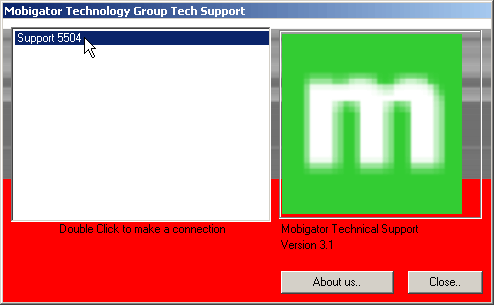
A. | 1. Goto http://www.mobigator.com/support. You will see a list of links for connecting to our technical support staff.
5. The program will initiate a remote connection to our technical support staff.
|
Q. How to setup email account in Microsoft Outlook?
A. | Please refer to this setup manual. |
Q. How to do email archiving in Microsoft Outlook?
A. | In Microsoft Outlook, you can archive your old email to improve the system responsiveness. To archive your email, please refer to this manual. |